-- Offer: 2 months free on annual plans Claim now -- Offer: 2 months free on annual plans Claim now -- Offer: 2 months free on annual plans Claim now -- Offer: 2 months free on annual plans Claim now -- Offer: 2 months free on annual plans Claim now -- Offer: 2 months free on annual plans Claim now
Sign in

How it works

From a photo on your phone to a campaign photo.

Clarvi turns the clothes you already have into professional catalog images, with studio models and settings. No photo shoot, no photographer, no waiting days.

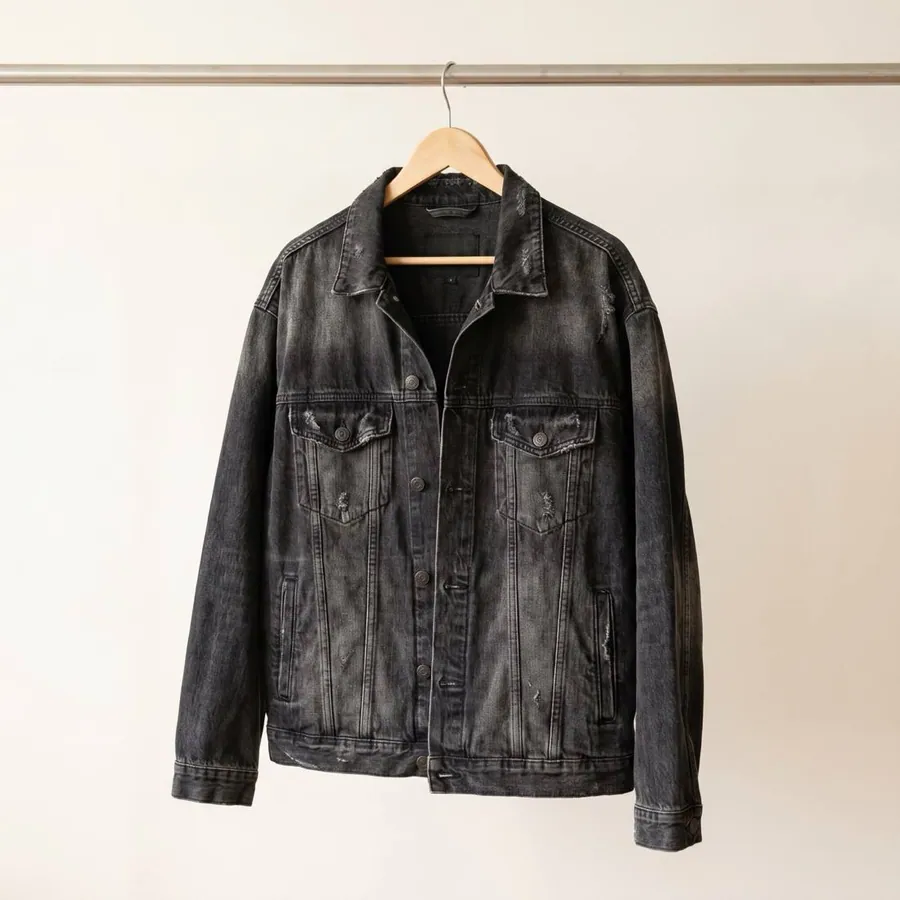
Casual photo of a garment uploaded from a phone, without a white background or professional lighting.
01

Upload your garments

Use the photos you already have on your phone. You do not need a white background, a tripod or special lighting. Upload the garment lying on the bed, hanging on a rack or laid over a chair; that is enough. Clarvi recognizes the color, the fabric and the details of your product from a simple photo, so you can start today with whatever you have on hand.
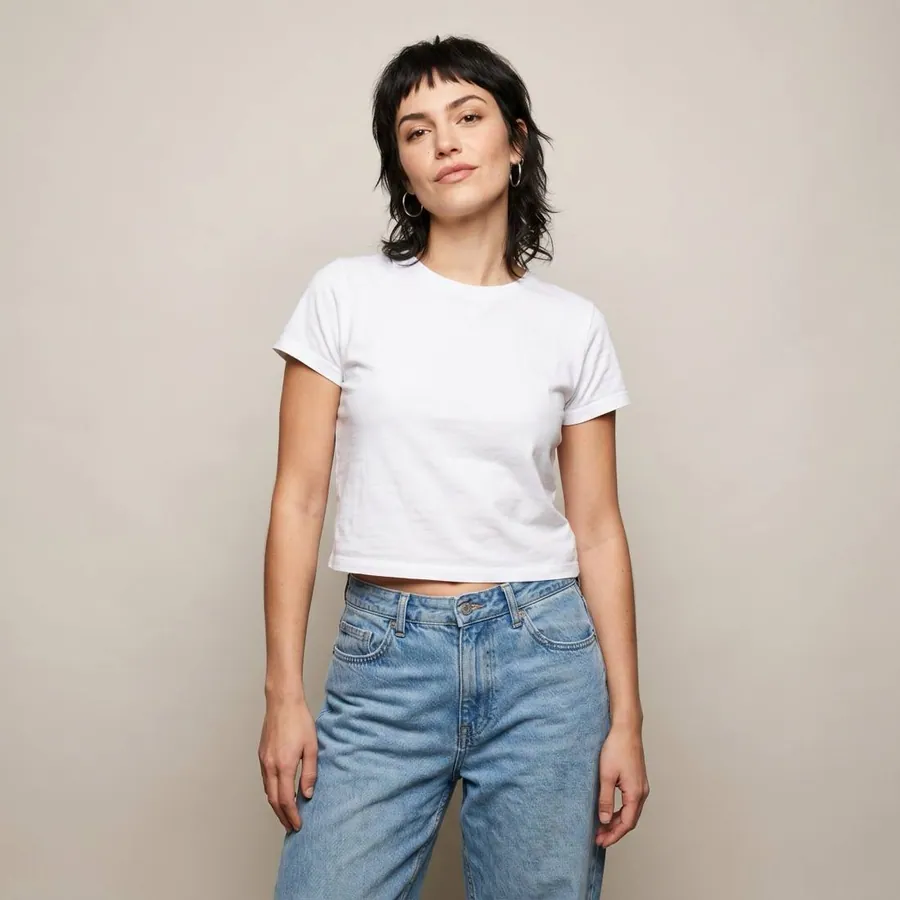
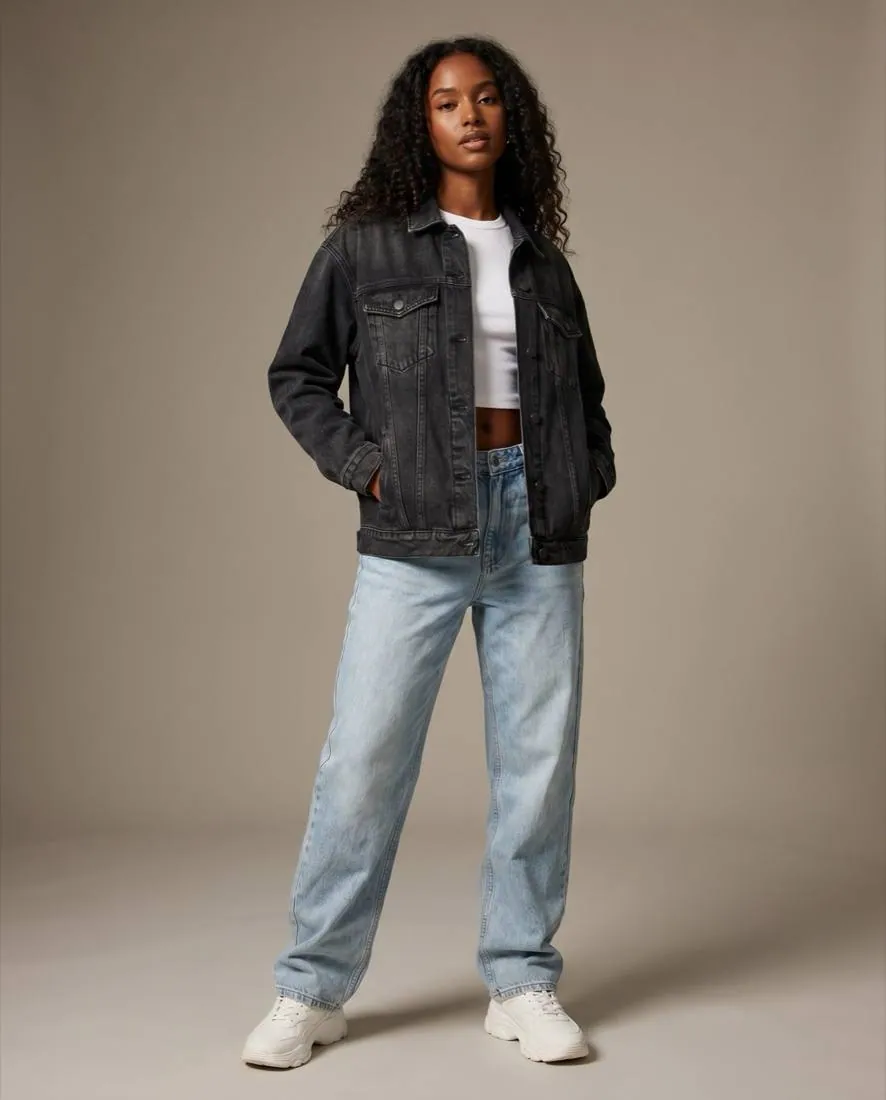
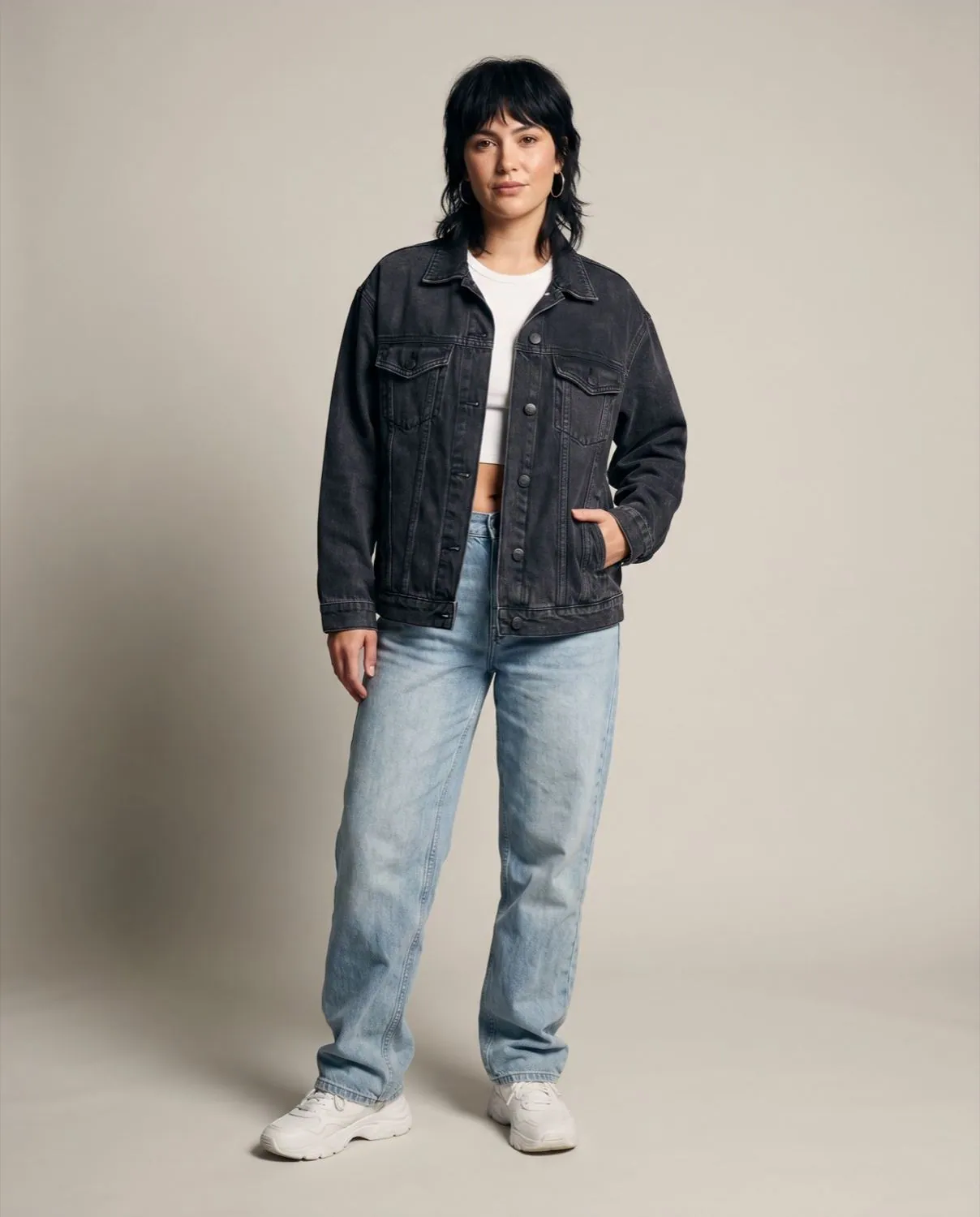
The garment placed on a neutral body, showing real drape and fit.
02

We dress them on a body

We place each garment on a neutral body, respecting how the fabric drapes and how it really fits. The t-shirt falls like a t-shirt and the dress moves like a dress. This step is what turns a flat product photo into a garment that looks worn, ready to dress the model you choose in the next step.

A selection of models with different bodies, ages and features to represent the brand.
03

Choose your model

Different bodies, ages and features so you can show your clothes on the person who best represents your brand. If you sell to a young audience, choose a young model; if your customer is looking for closeness, choose Latin features and a real body. You can generate the same garment with several models and see which one connects best with your audience.

Available settings for the campaign: studio, street, beach and café.
04

Set the location

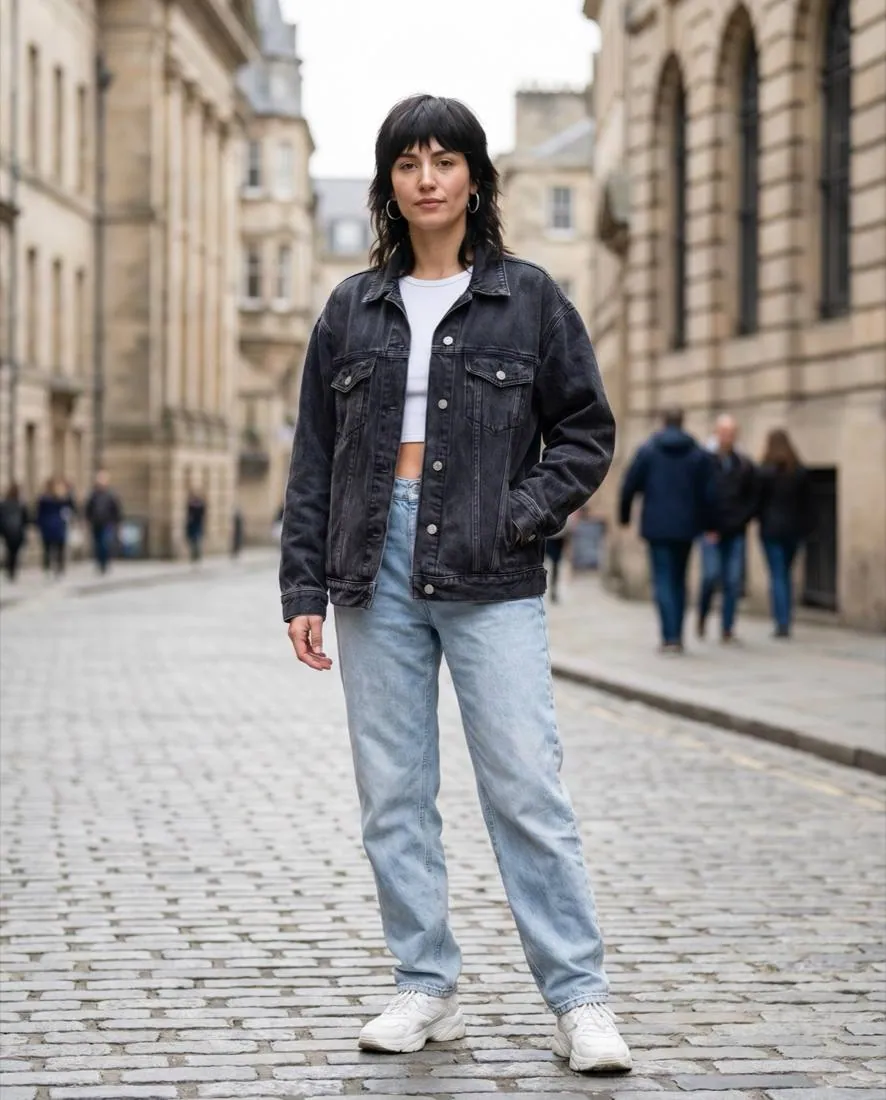
Studio, street, beach or café: the setting your campaign calls for. A clean studio background works for your online store; a street with afternoon light brings your Instagram posts to life. You choose the location and the lighting, and the photo is built around your garment with a coherent environment.

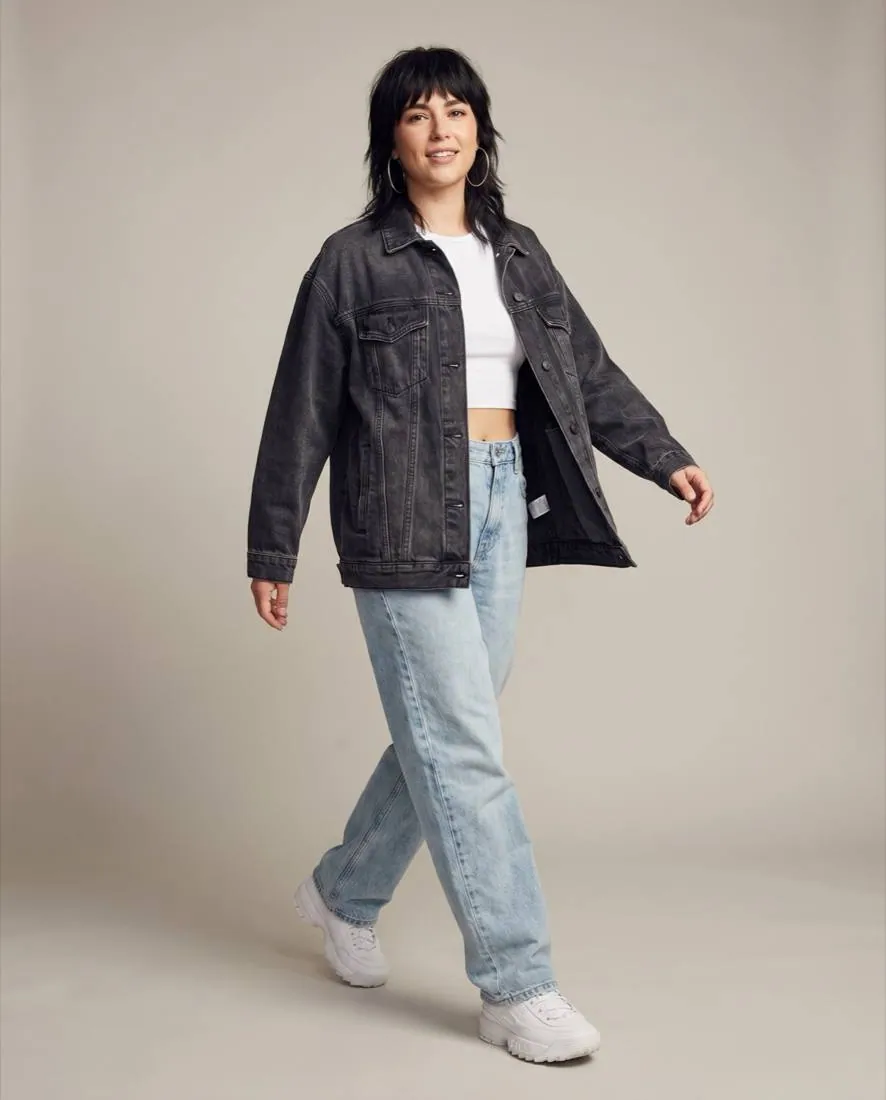
Several generated versions of the same garment, with different poses and framings to compare.
05

Generate and compare

Artificial intelligence creates several versions in seconds, with different poses and framings from the same decisions. Instead of waiting days for a photo shoot, you see options right away and compare side by side. You pick the best ones and discard the rest; creative control is always yours.

Final campaign image ready to publish on Instagram, WhatsApp and the online store.
06

Share and sell

Publish directly on Instagram and WhatsApp, or download in the exact size your online store needs. Your images are yours to use on social media, ads, catalog and printed material. The goal is not just a pretty photo: it is a photo that helps you sell on the channels where your customer already is.

Frequently asked questions about the process

How good do the photos I upload need to be?
You do not need professional photos. A photo taken with your phone works, as long as there is good natural light and the garment is visible. You do not need a white background or a studio: a clear photo of your product is enough to get started.
How long does it take to generate a photo?
Generation takes seconds per image. Instead of coordinating a shoot that takes days, you choose a model and a scene and see several versions almost immediately to compare and keep the best ones.
Are the photos I generate mine to sell?
Yes. Everything you generate is yours to use in your store, on social media, in ads and in printed material, with no commercial-use restrictions.
Can I use the same garment with several models and scenes?
Yes. You can generate the same garment with different models, locations and poses to see which version connects best with your audience before publishing.

Your next campaign photo starts with a photo from your phone.

Create your account and generate your first photos today. No card, with free credits when you sign up.

Create free account